“It's my first event.”
You don't need everything figured out to start.
- Have the name, date and place handy.
- Sign in with Google and prepare a draft.
- Review the details and publish.
Preventa para seguidores, Early Bird, extras y mejora a VIP. Comparte por WhatsApp, cobra por transferencia o tarjeta y llama a tu gente al próximo evento.
150 people free per month. No card.
150 free people a month across all your events; after that, Q3 per person. Card sales: 6% (minimum Q3) per ticket.
¿Vas a vender boletos en Guatemala? Compara 25 plataformas por comisión, transferencia y check-in en las mejores plataformas de boletos para 2027 o sigue la guía para vender todas las entradas de tu evento.
Llena la sala. Luego súbelos a VIP. Luego llámalos al próximo evento.
Early Bird que sube solo, 2x1 o 3x2, lista de espera y tarjetas de «70% vendido» y «¡Agotado!» para compartir.
Ver cómoPreventa y descuento solo para quien te sigue: entran primero y el resto espera su turno.
Ver cómoExtras como merch, barra o parqueo, y una mejora a VIP desde el pase: pagan solo la diferencia.
Ver cómoTu siguiente evento va en el correo de cada pase, y con Campañas le escribes a tu lista.
Ver cómo13th Gynecology and Obstetrics Symposium.
July 16 and 17, 2026.
You don't need to build a site from scratch or track registrations in every chat. Start with the basics and go at your own pace.
Add the name, date and place. Prepare your event as a draft and publish it when it's ready.
A page with the information your people need.New Create your event by chatting
Instead of filling in dates, times, spots and prices field by field, tell it the way you'd tell a person. In writing or with a voice note. The assistant builds the proposal and you just confirm.
Prefer to fill in the fields yourself? The usual form is one click away.
Then ask it how it's going
Connect ChatGPT or Claude to your organization and ask about your sales, the transfer receipts to review, or who hasn't received their ticket yet. It's read-only: they answer you, they don't change anything.
“How are sales for my workshop going?”
32 of 50 spots sold, Q4,800 received and 1 transfer receipt to review.
I want a ceramics workshop on November 20, from 9 to 12, in Antigua Guatemala, for 40 people, with a Q150 ticket.
I have the proposal with General admission at Q150.00. You can adjust it here or create the event when it looks right.
Make it 50 people instead.
Done, I changed the capacity to 50 people. Everything else stays the same.
No fee on bank transfers
The buyer transfers straight to your bank account and uploads their receipt on the event page. Their request stays pending and holds their spot until you check the deposit in your bank and approve it. When you approve it, Pandy Tickets issues one QR per person and emails it.
Every transfer receipt goes through an assisted review: Pandy Tickets reads the amount, date, destination account and reference, and warns you if the amount doesn't match, if the reference or file was already used in another purchase, or if the file was edited. You always decide: nothing is approved on its own.
Pandy Tickets doesn't receive or hold that money, and charges no fee on transfers: each approved person counts toward your 150 free people per month, and after that costs Q3.
You don't need everything figured out to start.
You already have the experience. Bring the operation together.
New · See from here
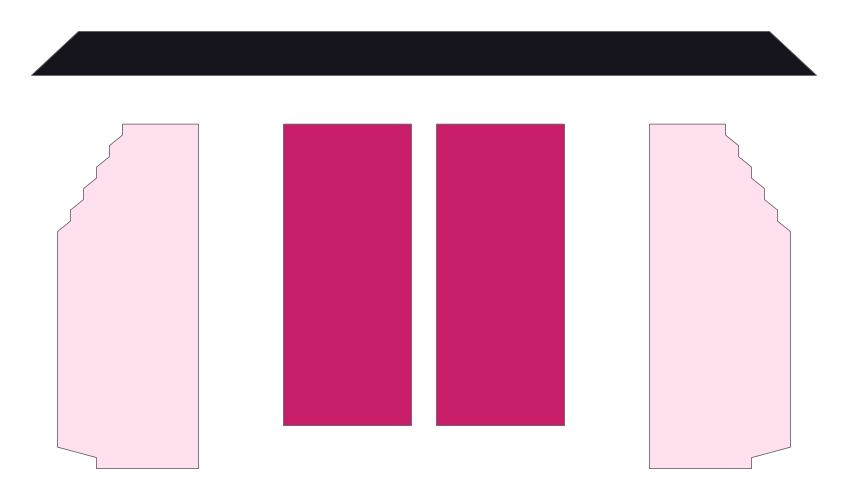
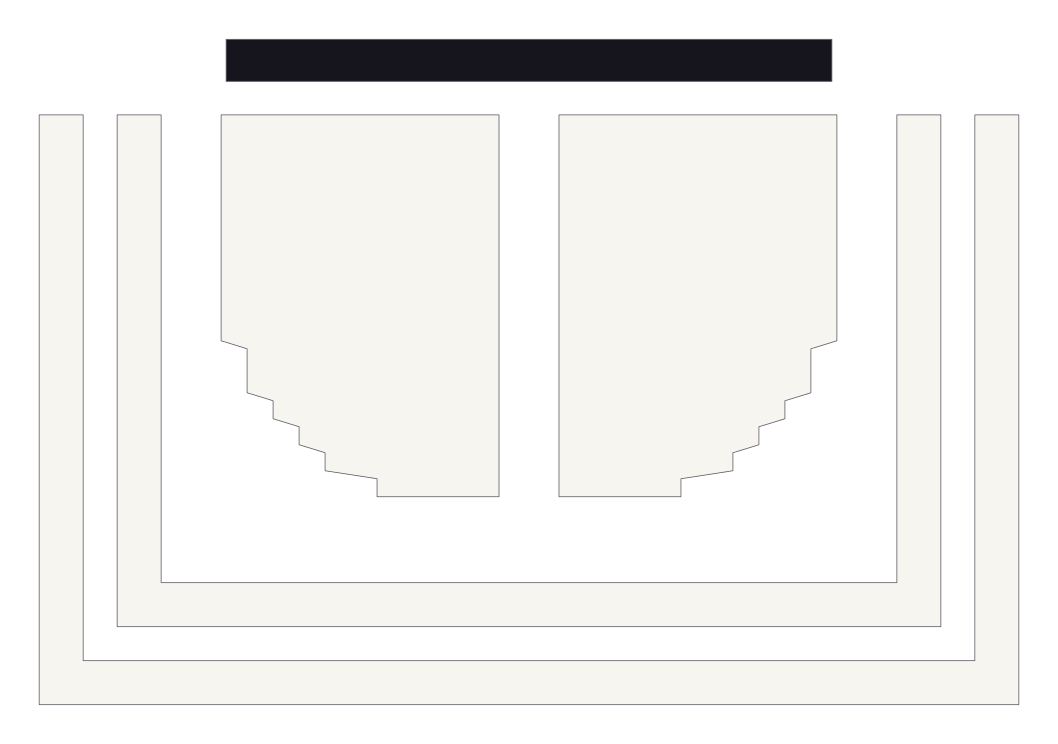
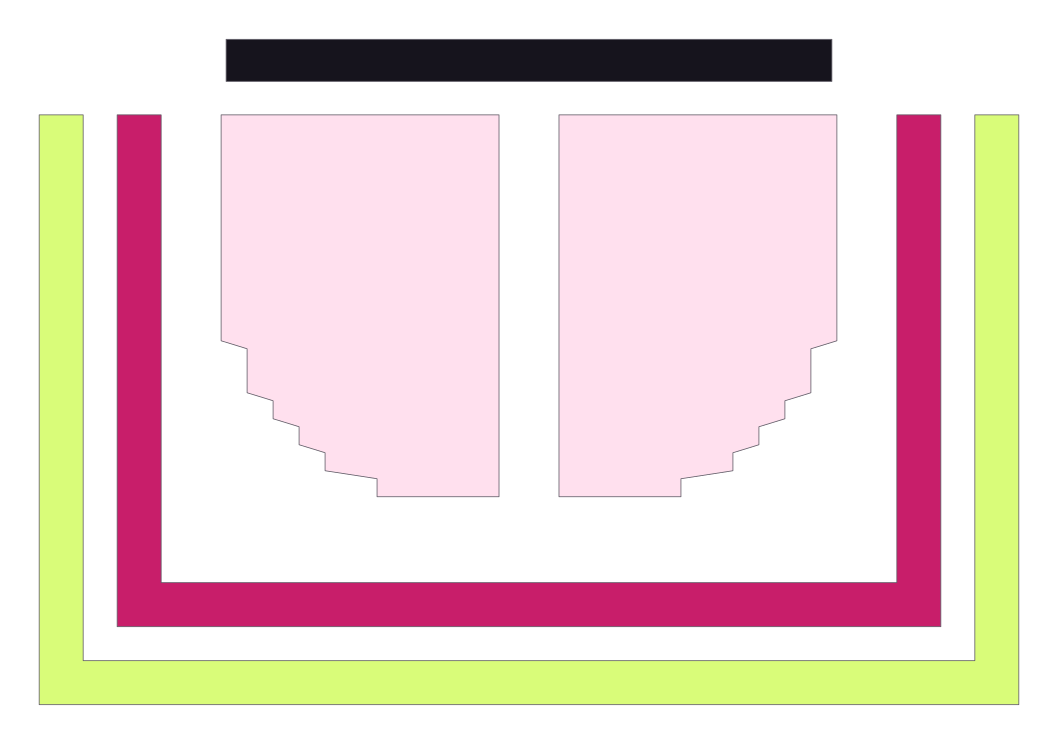
At any event with seats, your buyer taps their spot on the map and presses "See from here". They see the stage in 3D from that seat, with the distance.
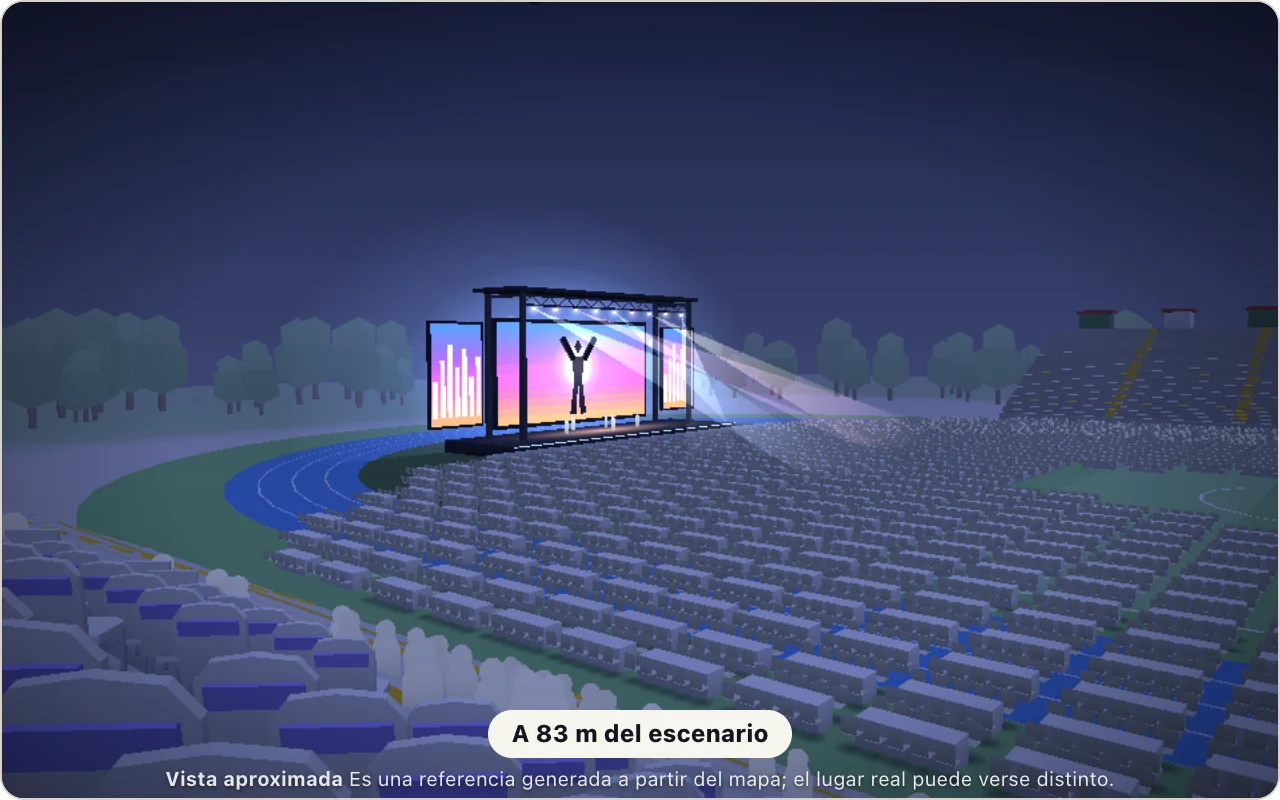
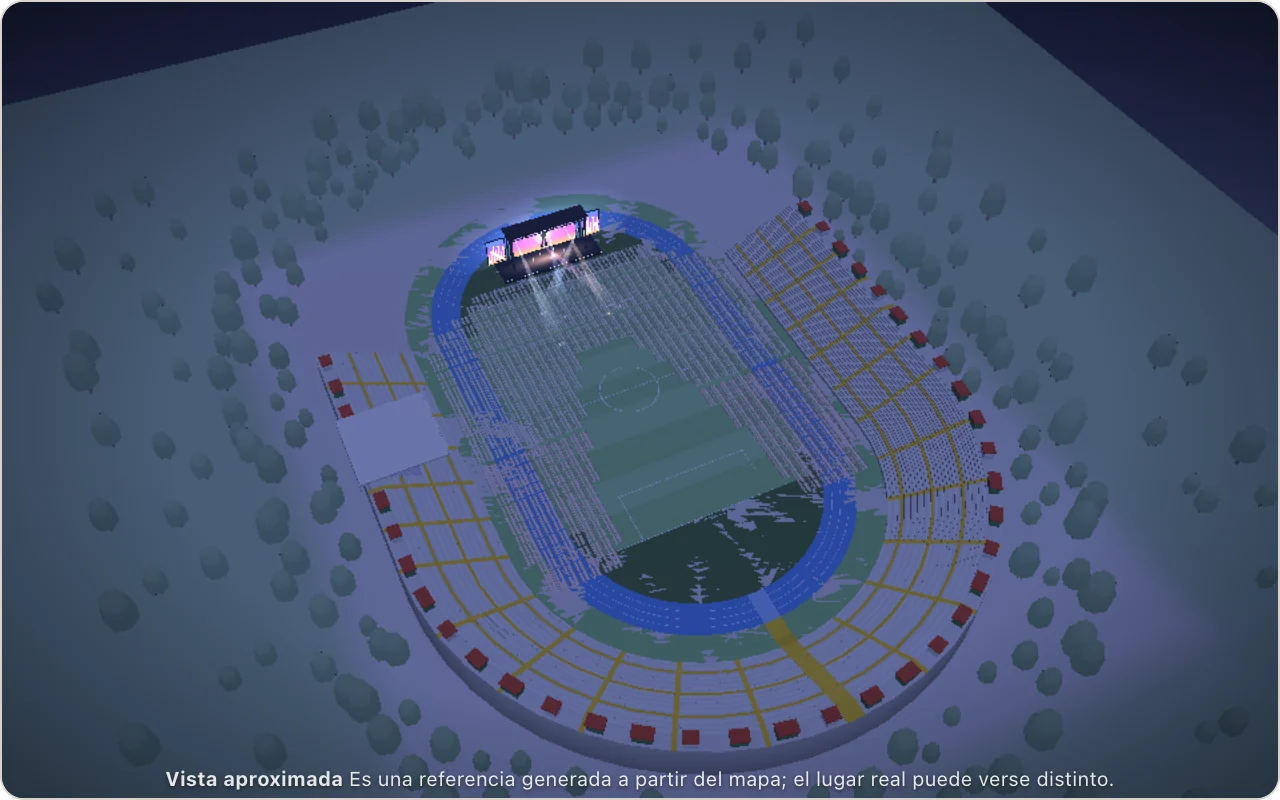
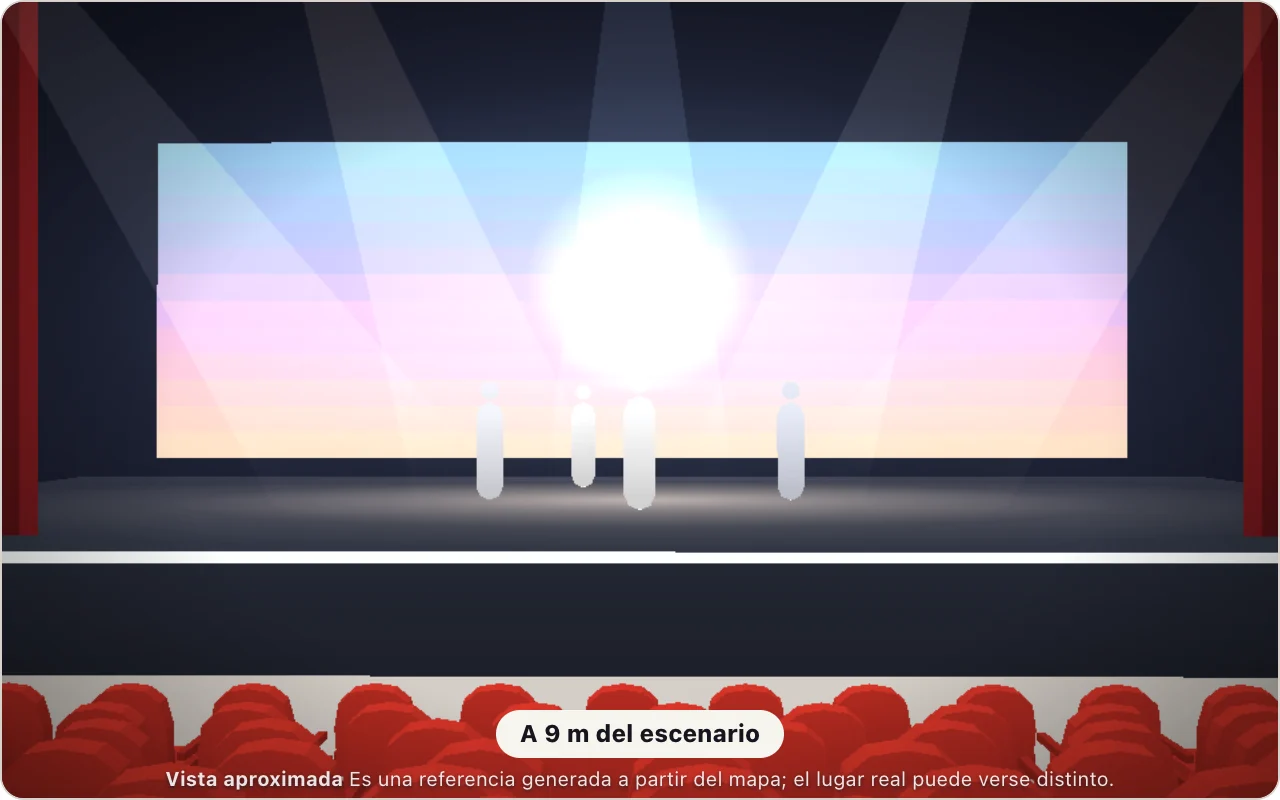
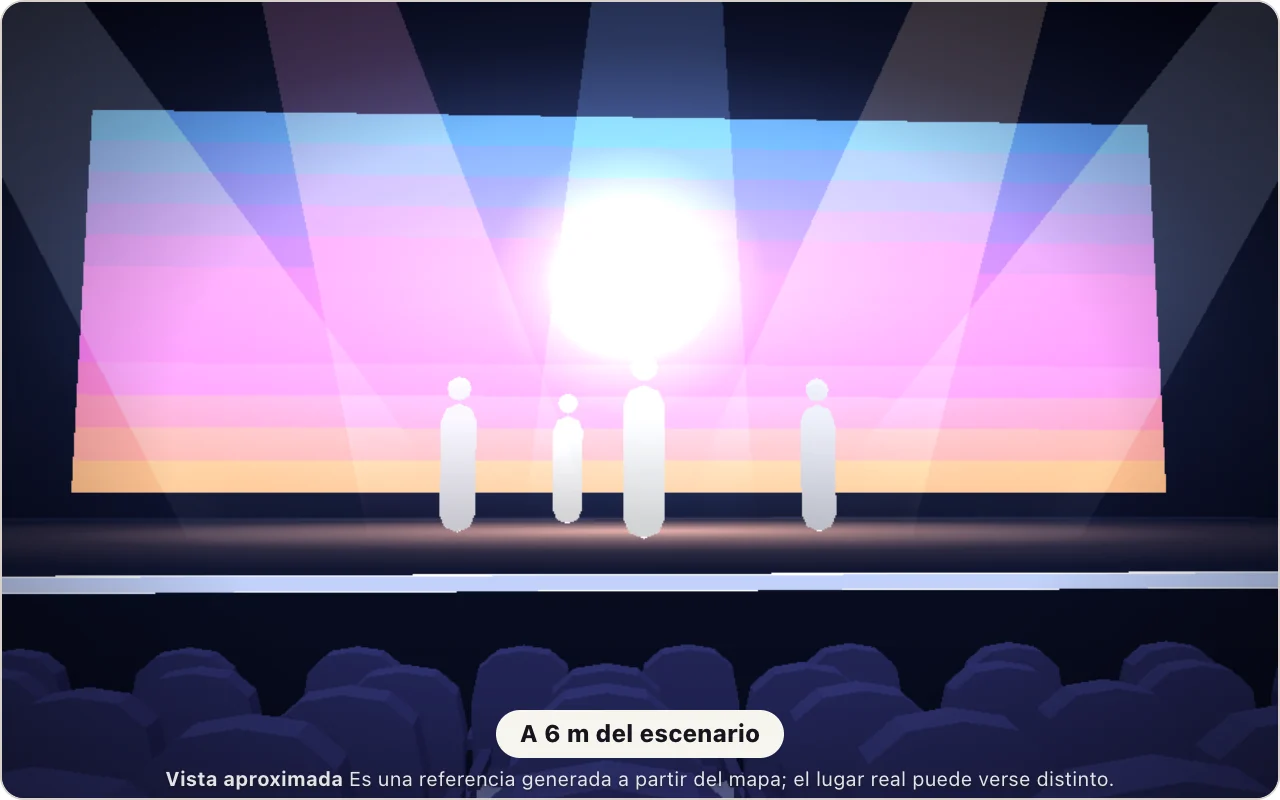
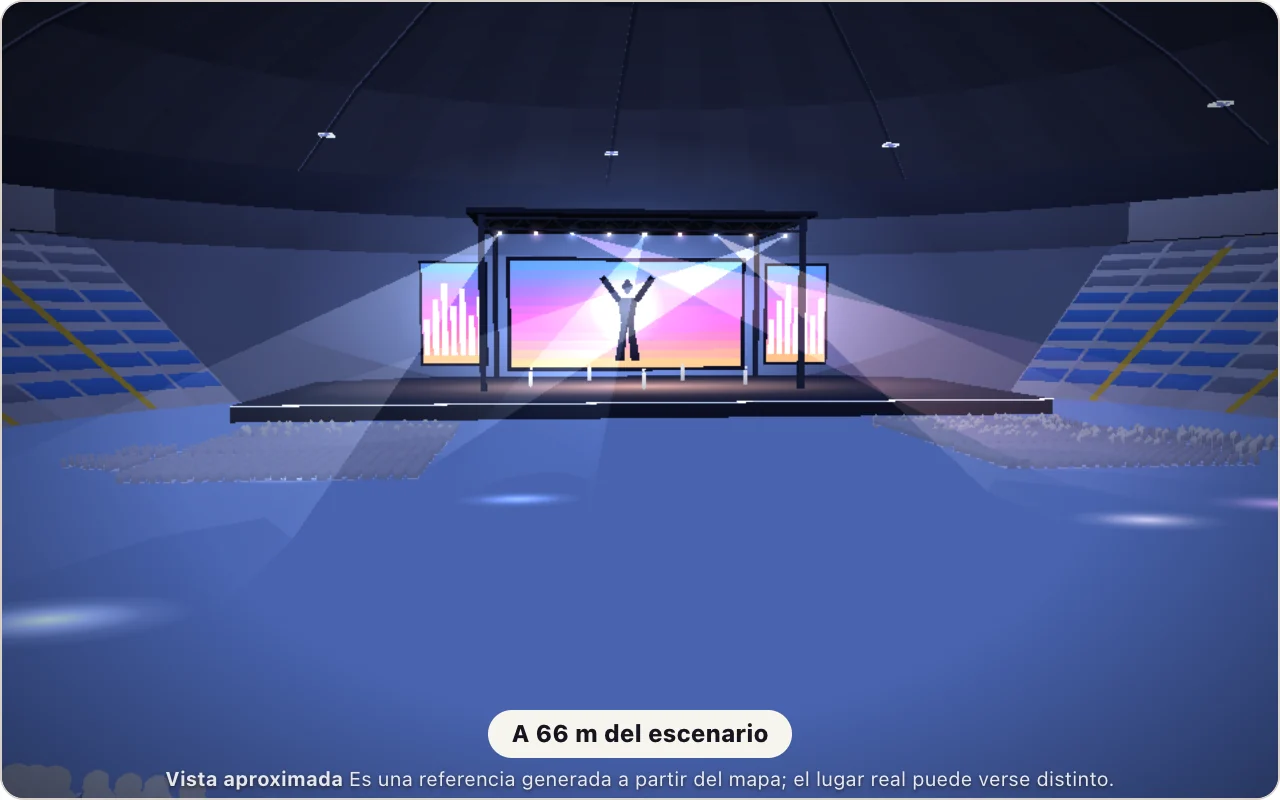
Approximate view: a reference generated from the map; the real place may look different. See the mapped venues
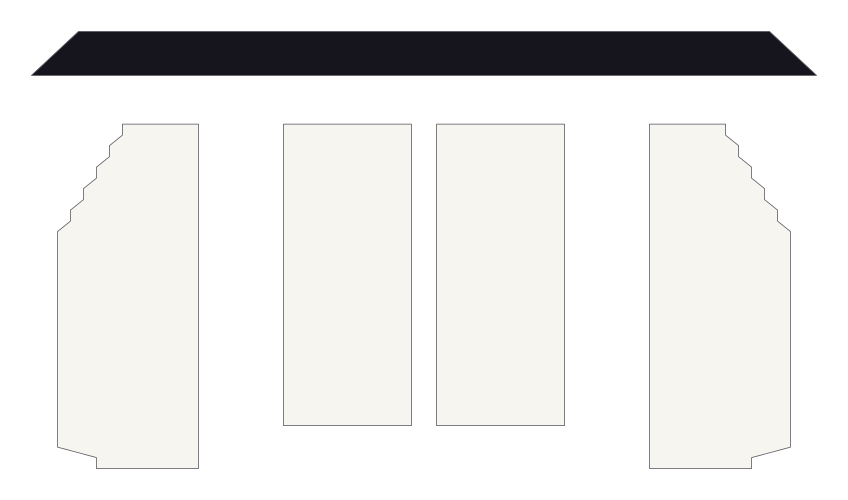
Theaters, auditoriums, domes and stadiums in Guatemala, ready to copy, price and sell.
See the maps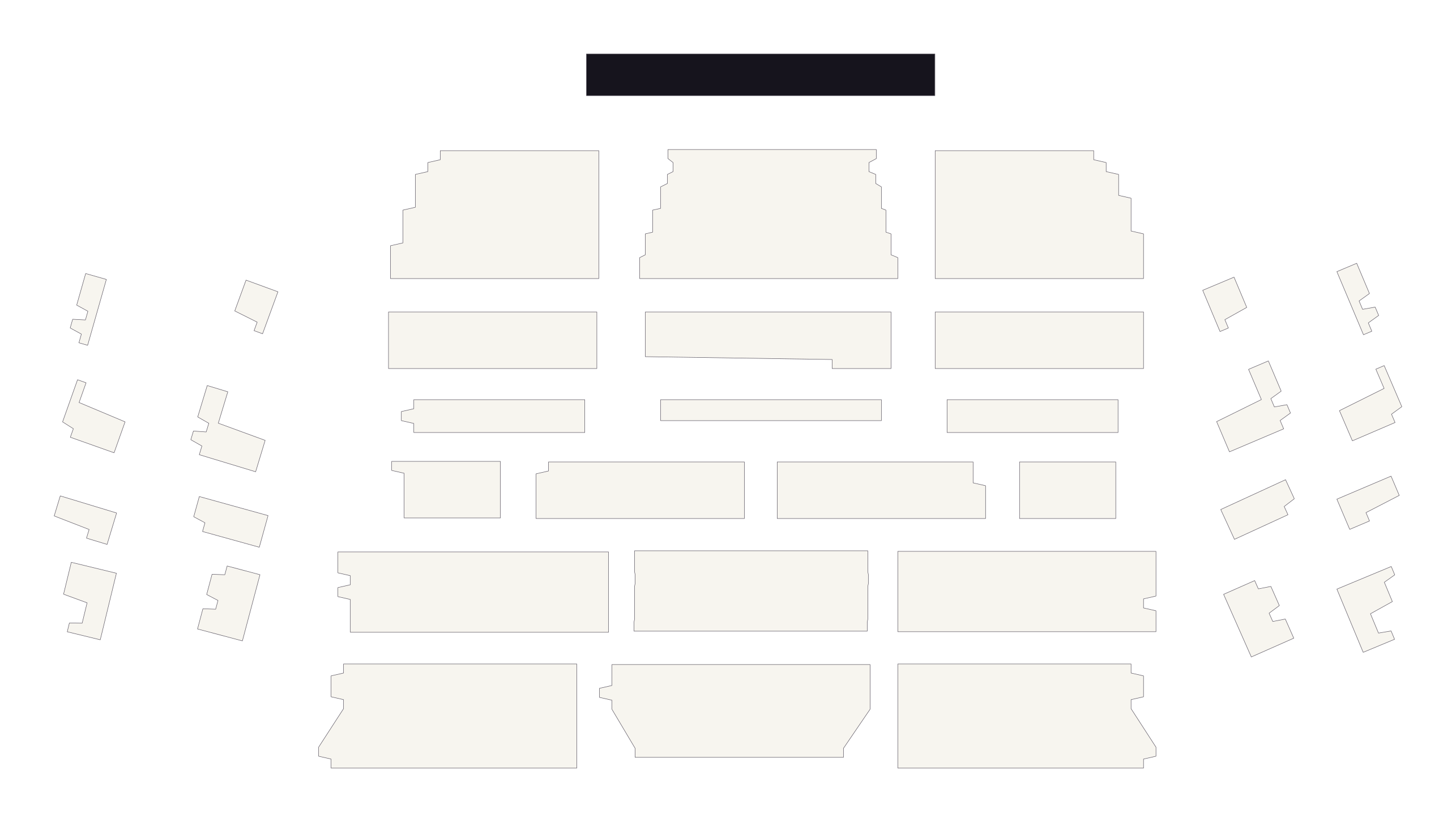
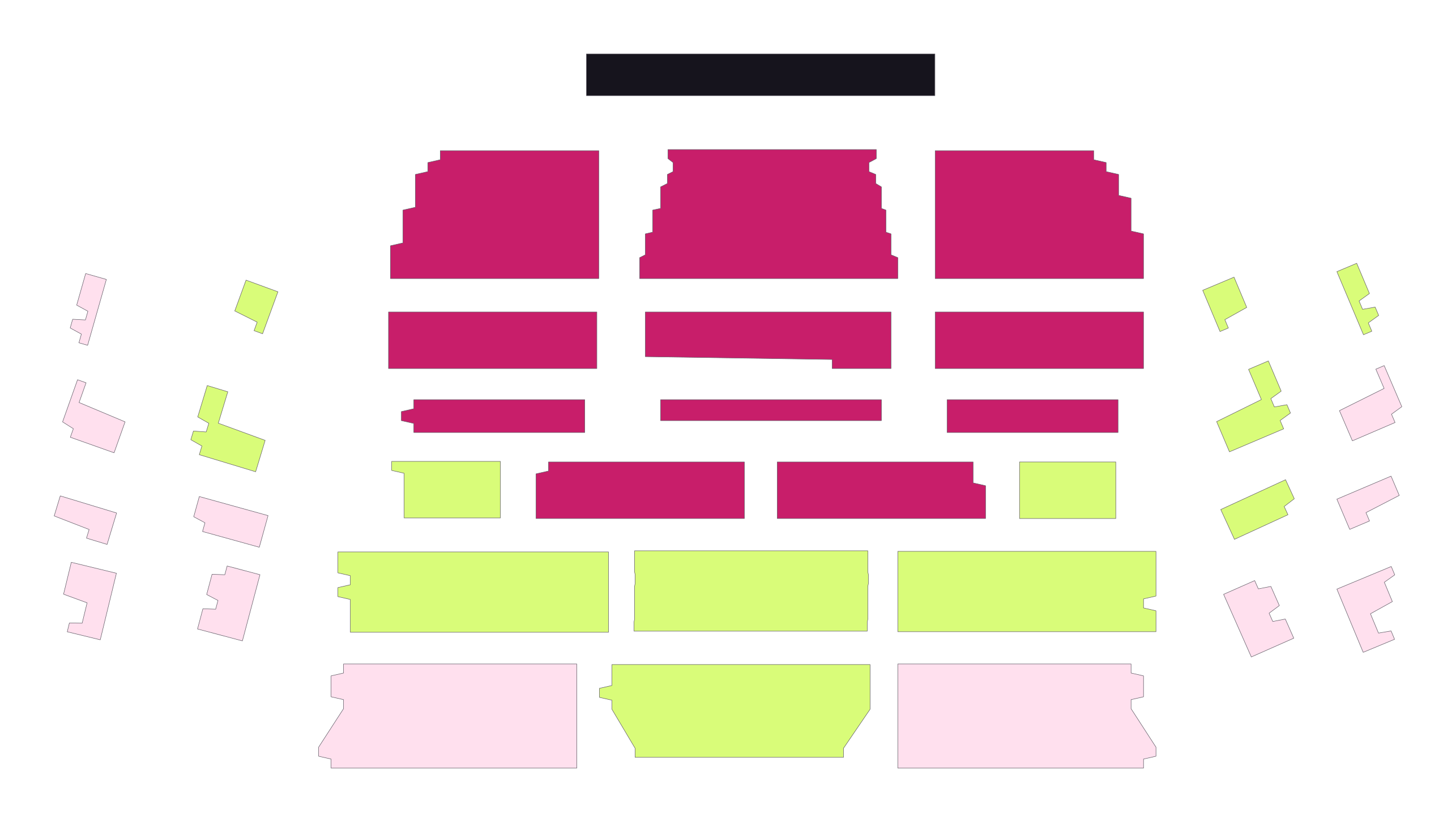
Theater hall · Ciudad de Guatemala
2,061 numbered seats
35 sections · 192 rows
The venue and its permits are the organizer's responsibility.
Pandy Tickets - Escáner reads the QR on every ticket and warns you if someone already checked in. Sign in with your account email and a code, no passwords. Prepare the event while you have internet and keep scanning even if the signal drops.

AndroidThe app is in review on Google Play. Meanwhile, your team scans from the phone's browser.
Creating your event is free. If you need more, each additional person uses a prepaid credit.
See pricing and feesYes. You put your account details on the event. The buyer makes the transfer, uploads their transfer receipt (JPG, PNG or PDF, up to 5 MB) and their request stays pending. Pandy Tickets runs an assisted review of the receipt and alerts you if the amount doesn't match the total, if the destination account isn't yours, if the reference or the file was already used in another purchase, or if the file shows signs of editing. You check the deposit in your bank and approve or reject it with a reason; nothing is approved on its own. Once approved, one QR per person is issued and sent by email. Pandy Tickets never touches that money and charges no fee on transfers: each approved person counts toward your 150 free people per month and costs Q3 after that. See how bank transfer payment works.
No. You fill in your event details, or describe them in a message, and review the draft before publishing it.
Just your Google account and your event details: name, date and place.
A confirmation of their registration status. Once their ticket is confirmed, they can open their pass with a QR code and save it to Apple Wallet or Google Wallet. If your event requires payment or approval, they need to complete that first. How tickets with QR codes work.
Yes. By bank transfer to your account, with no fee, or by card, with a fee per ticket. See pricing. How to sell by bank transfer.
Tell us about your event and tell us which step you need help with.